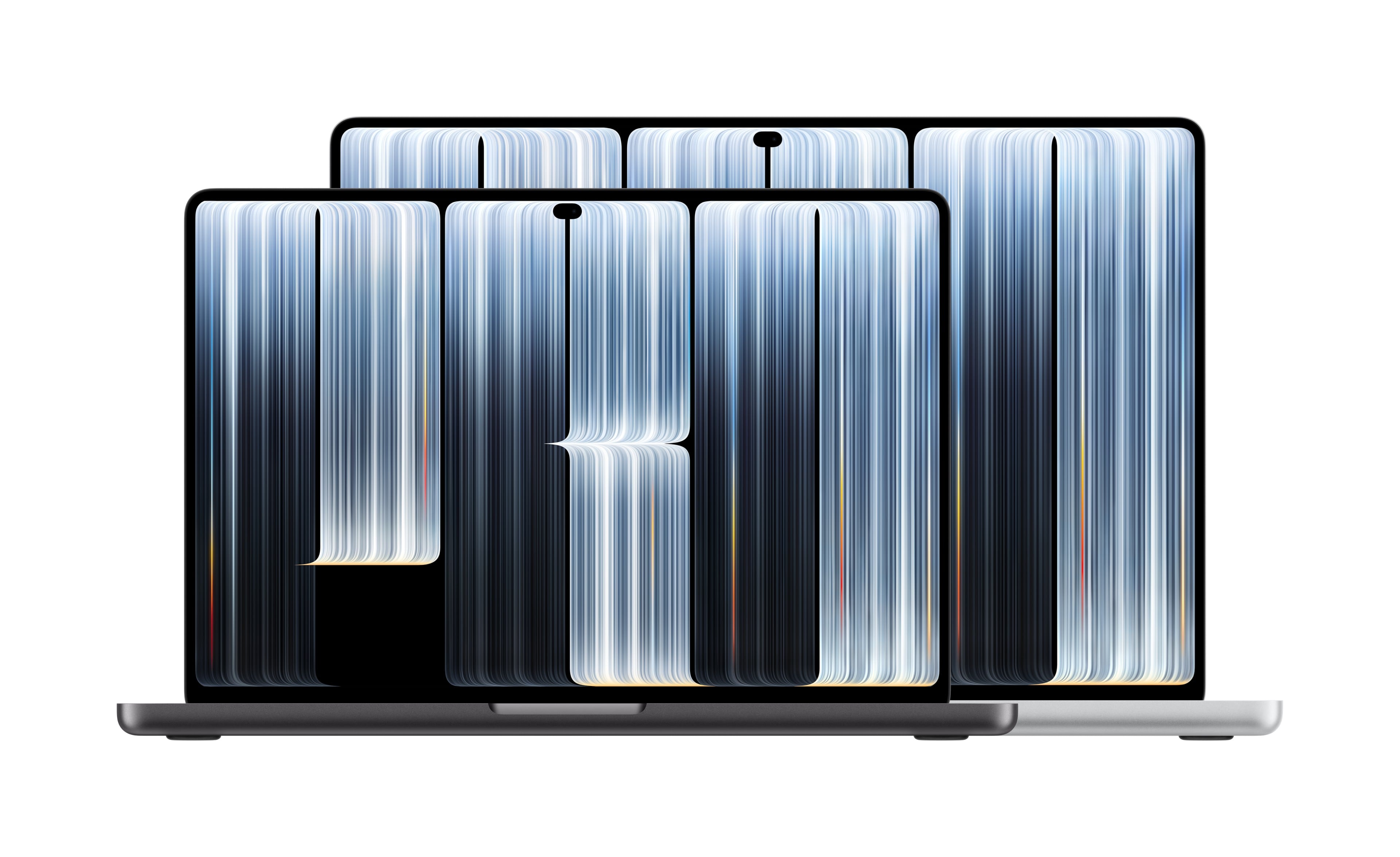
Apple today introduced newly redesigned 14- and 16-inch MacBook Pros featuring tandem OLED displays that support Touch. The new MacBook Pros, which are thinner and lighter than previous models, feature the M5 Pro and M5 Max chips, both of which include a Neural Accelerator in each GPU core.
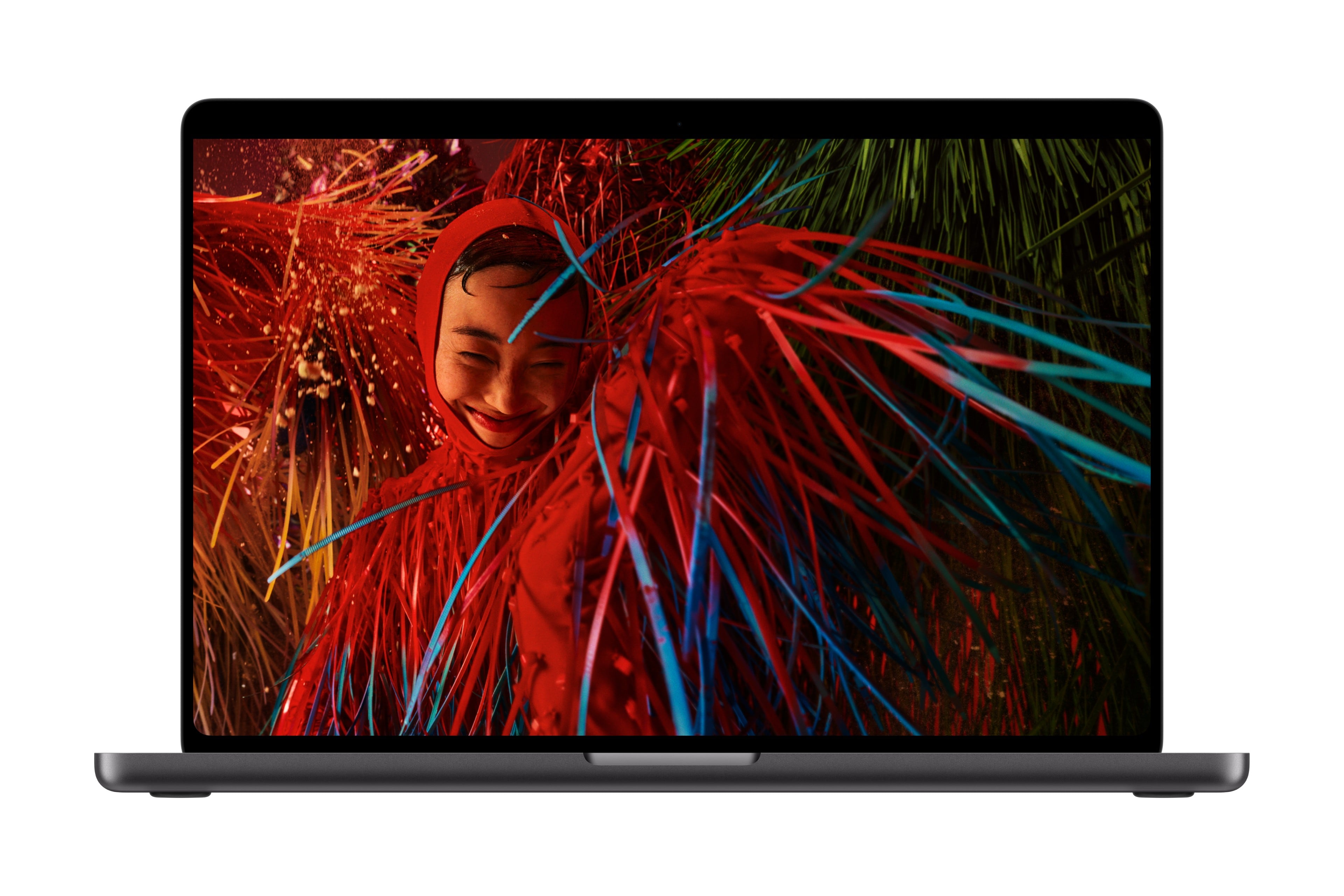
Apple is calling the laptop’s new display the PROLED XDR. The display supports up to 2000 nits of peak HDR and SDR brightness, a 10,000,000:1 contrast ratio, and both P3 and Adobe RGB color.
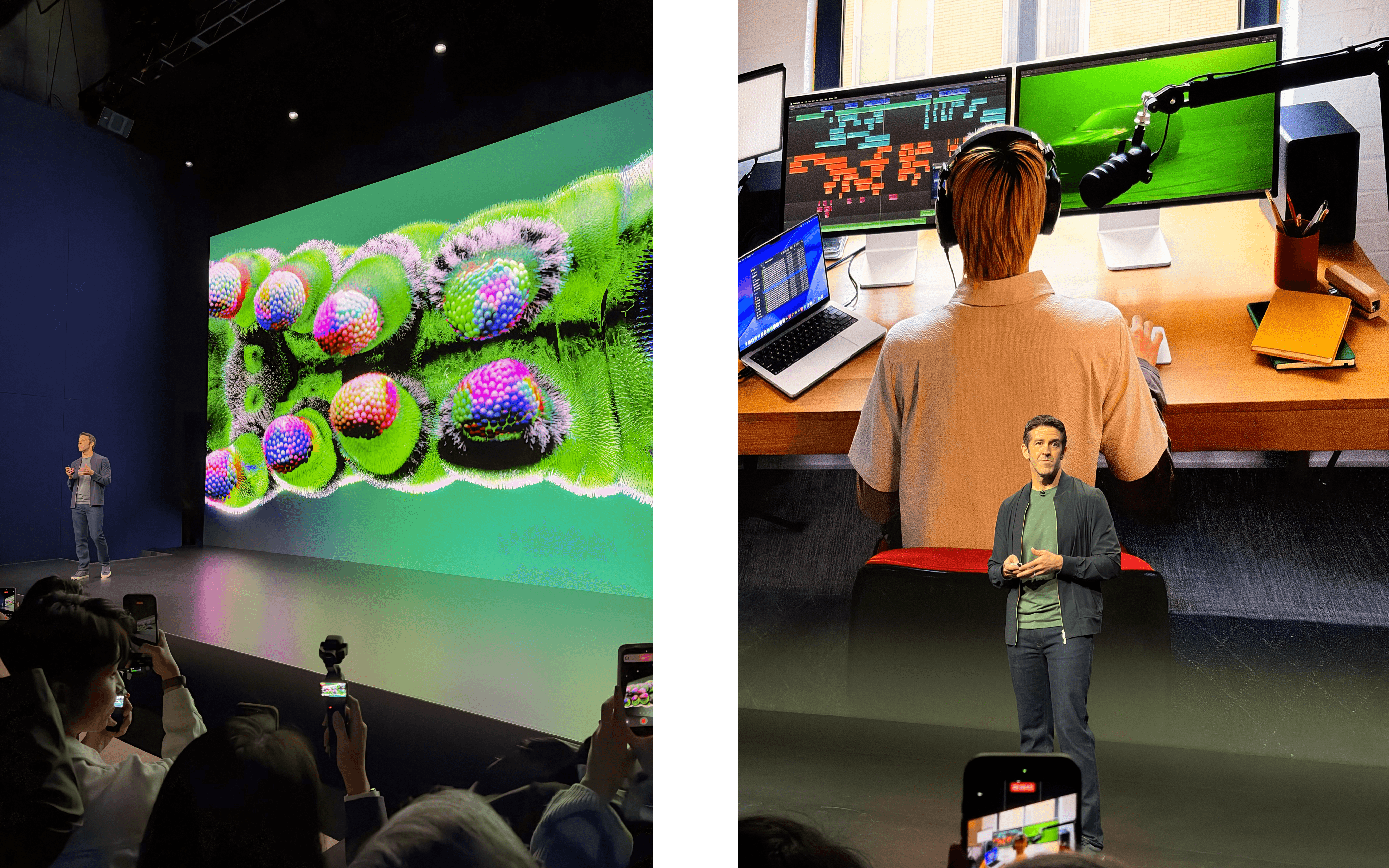
Touch works alongside the trackpad and keyboard shortcuts as a new input method on the MacBook Pro. In demonstrations at the event in Los Angeles, Apple showed off full multitouch gestures that are the same as you’d use on the iPad. To accommodate the Touch hardware that is built into the MacBook Pro’s display, Apple designed a new, more stable hinge and added stabilization to the built-in 12MP Center Stage camera. Touch will come to Apple Creator Studio in November, along with the other updates to the suite that were announced yesterday. The MacBook Pro does not, however, support the Apple Pencil.
Apple says Touch will work with its own apps and many existing apps immediately, and that developers can use system gesture APIs to design custom Touch interactions. Among the Touch-enabled apps mentioned as coming later this year are Notion, Canva, Zoom, Microsoft’s productivity apps, and creator tools from Adobe and Blackmagic Design. Modeling, animation, and music apps are on the list, too.
The new MacBook Pro comes in M5 Pro and M5 Max configurations with up to 128GB of unified memory and up to 16TB of SSD storage. The displays, which feature a Dynamic Island, measure 14.2 and 16.3 inches diagonally and support adaptive ProMotion between 10Hz and 120Hz. As with the generation of MacBook Pros it replaces, the new models include an antireflective coating and can optionally be ordered with an etched nano-texture finish.
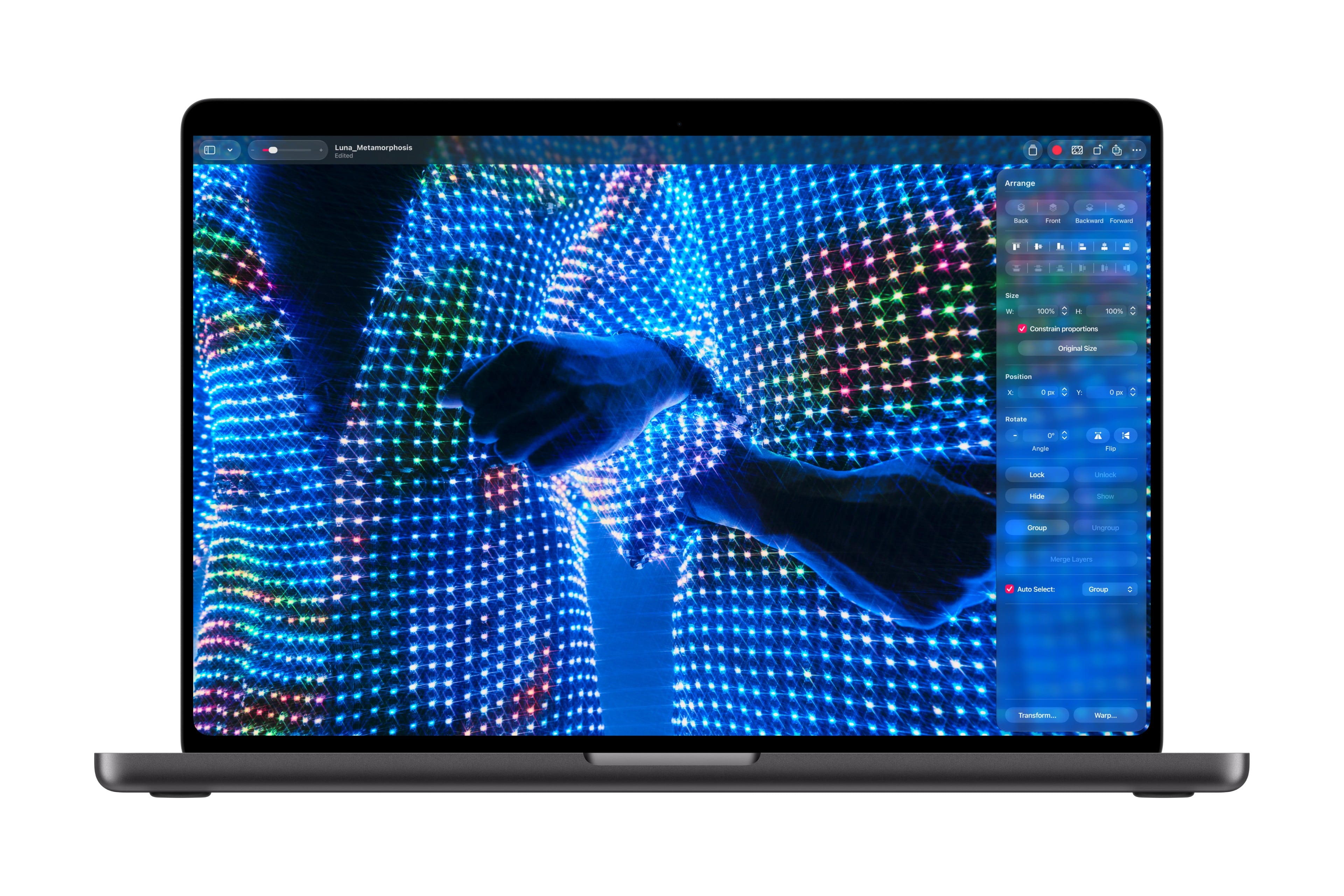
Other features of the new MacBook Pro include:
- Wi-Fi 7
- Bluetooth 6
- HDMI
- MagSafe
- a headphone jack
- three Thunderbolt 5 ports
- an SDXC card slot
- a six-speaker audio system
Apple has shaved about half a pound off the 14-inch model, which now weighs 3 pounds. The 16-inch MacBook Pro weighs a pound more at 4 pounds, which is 0.7 pounds less than before. New to both models is the return of the glowing Apple logo on the MacBook Pro’s lid. Apple’s press release claims 24 hours of battery life and a 50% charge in 30 minutes.
The 14-inch M5 Pro model starts at $2,899, while the 16-inch version starts at $3,399. For the 14-inch M5 Max, the starting price is $4,499, and bumping up to the 16-inch model raises that to $4,799. Pre-orders are being taken now, with delivery starting November 6.
I’ve seen a few videos that Federico took of the MacBook Pro’s Touch interactions, and they look as natural as using a trackpad or an iPad. It’s not the input method that I’d expect myself to use most of the time, but direct manipulation of images and files is something that comes as second nature to a lot of folks. For example, every time my wife uses our family MacBook Air, she reaches out to touch the screen because she’s primarily an iPhone user. Nearly 20 years into touch interfaces, there are more people like her than keyboard jockeys like me, and I think they’ll love this new laptop.

