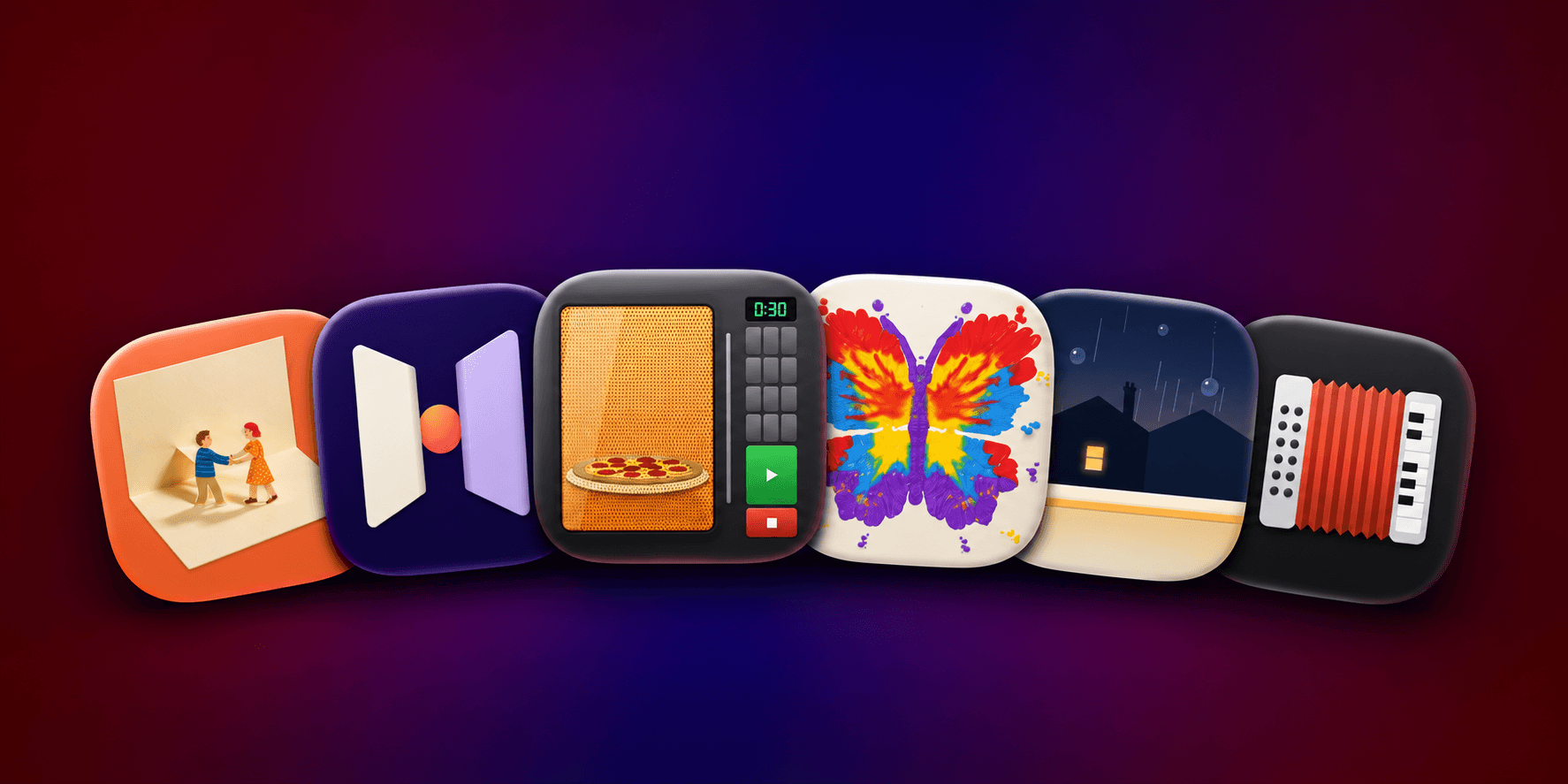
The iPhone Duo has ignited a resurgence of weird and wonderful apps that take advantage of its unique hardware and sensors. Some are frivolous and others are truly useful, but they’re all fun. These apps can be used on a regular iPhone, too, but the delight comes from using them on the Duo, which is what I’ll focus on here.
DuoBox
DuoBox is an accordion app for the iPhone Duo. With the Duo open, keys for the chords are arrayed on the left side and piano keys on the right, just like an accordion. Pick a key and start playing, folding the Duo as you press the keys. It’s tricky to get used to, but with a little effort, you’ll get the hang of it and be playing, with the music responding to the folding of the phone the way an accordion does when played.
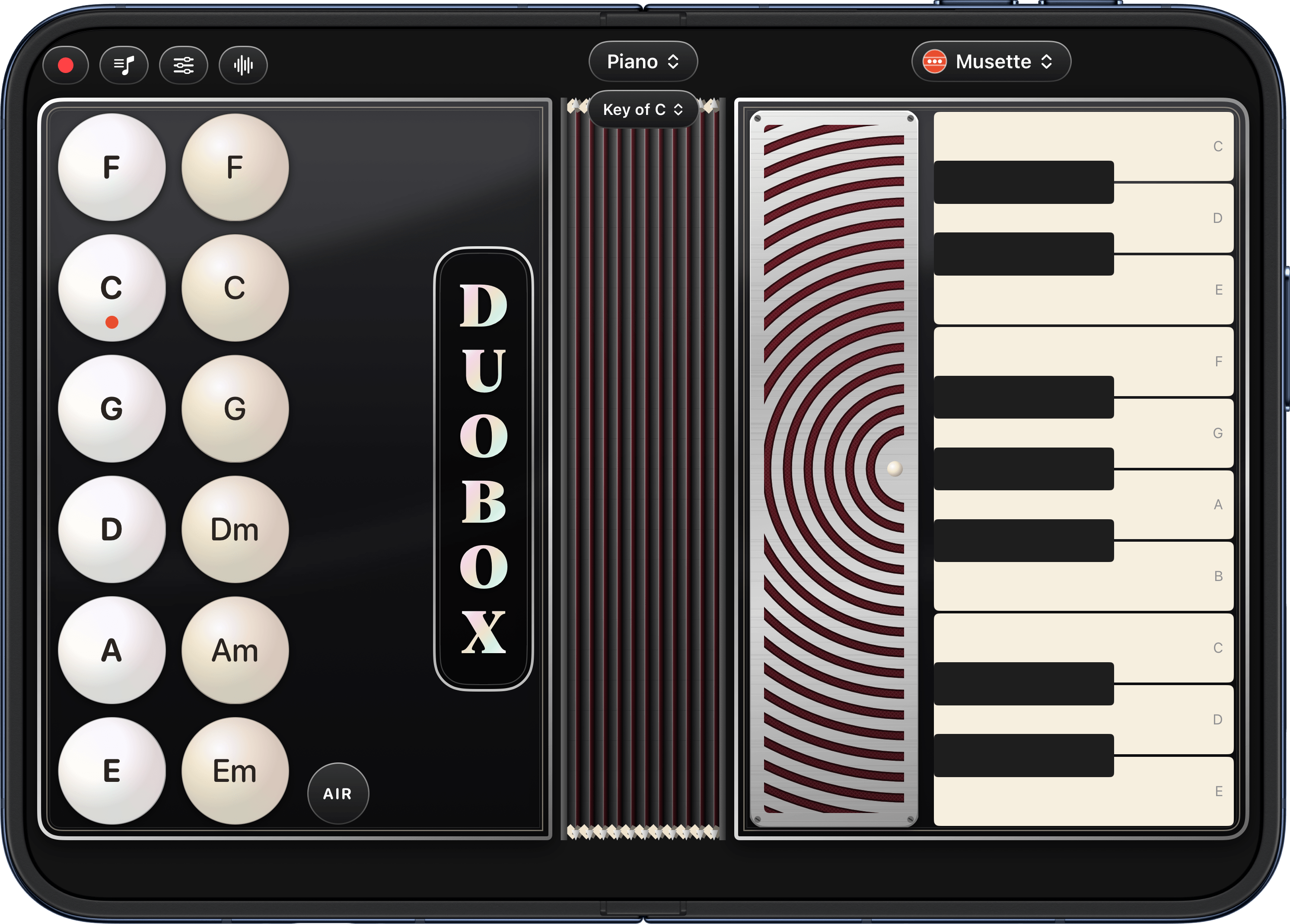
The app is surprisingly deep. You can record what you play, pick a song to play and follow the app’s key-press prompts, add a metronome, adjust the room sound, delay, distortion, pitch, and other sound settings. There’s even MIDI Out to connect to an app like Logic Pro. On top of everything else, the design of DuoBox is excellent, adding to the fun and immersiveness of the experience.
DuoBox is free to download from the App Store, but some features require an In-App Purchase.
PocketMicrowave
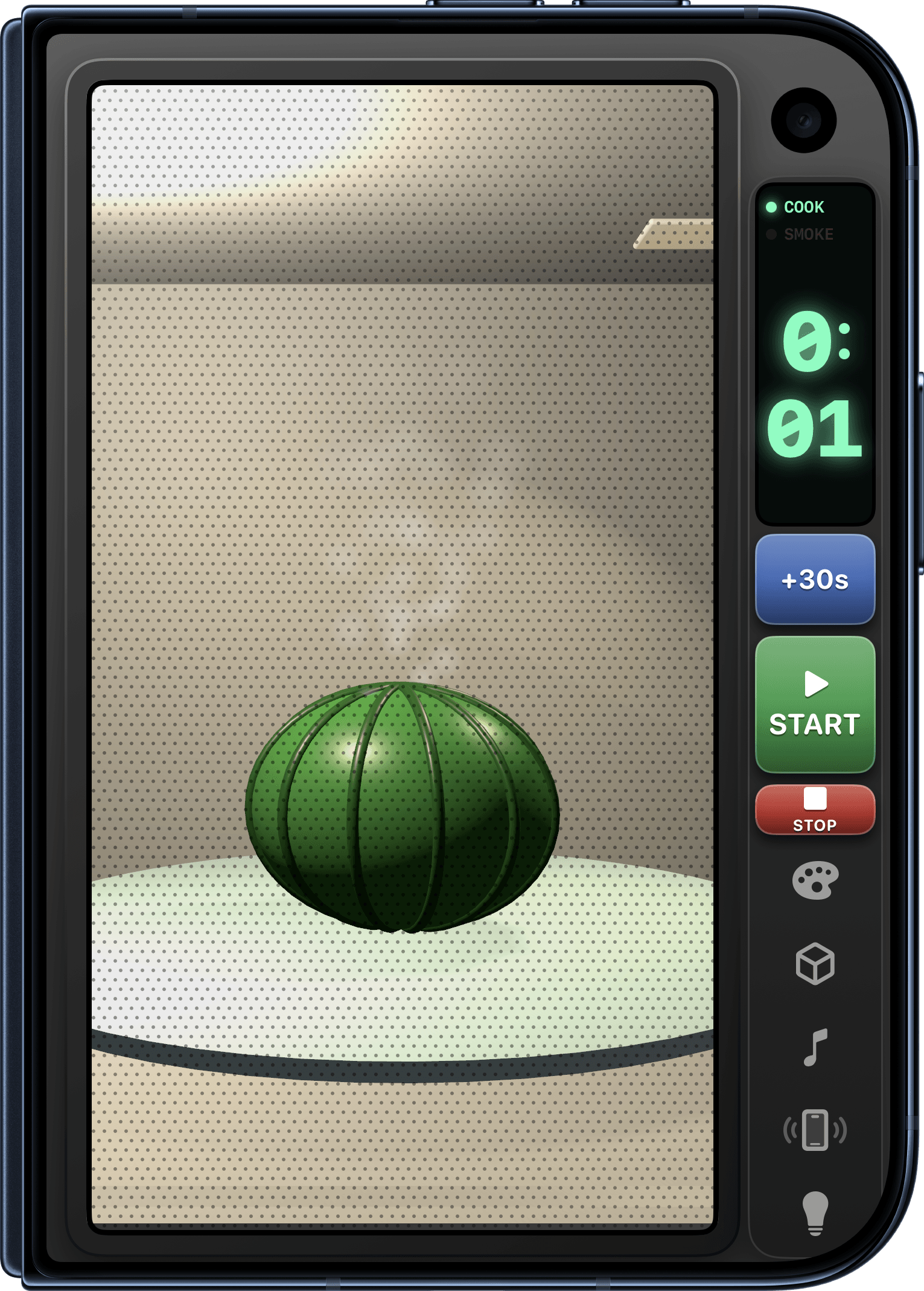
You know that there are some things that should never be microwaved, right? Well, PocketMicrowave breaks the rules by letting you zap all kinds of things that have no business being anywhere near your microwave. Want to microwave a watermelon and see it explode? Go for it. The list of items available to microwave includes ordinary food items like pizza and hot dogs, along with no-nos like fireworks and electronics. This is not high-concept stuff, and it’s not meant to be. It’s just good, silly fun. And while the 3D graphics are rudimentary and could use a tune-up, for $0.99, PocketMicrowave is still an enjoyable little diversion that made me smile.
Ajar
Simulations are a big part of the Duo curiosities I’ve tried. Ajar is a soundscape app that’s also a window to other worlds. The app opens to a view of a neighborhood of rowhouses. It’s raining, and periodically, a car drives by. With a tap, you can close the window, semi-muting the sound of the rain against the window. Fold the Duo into a laptop orientation, and a desk appears on the lower half of the Duo with a notebook, pencil, and cup of coffee. The scene changes perspective when you move the Duo around, too.
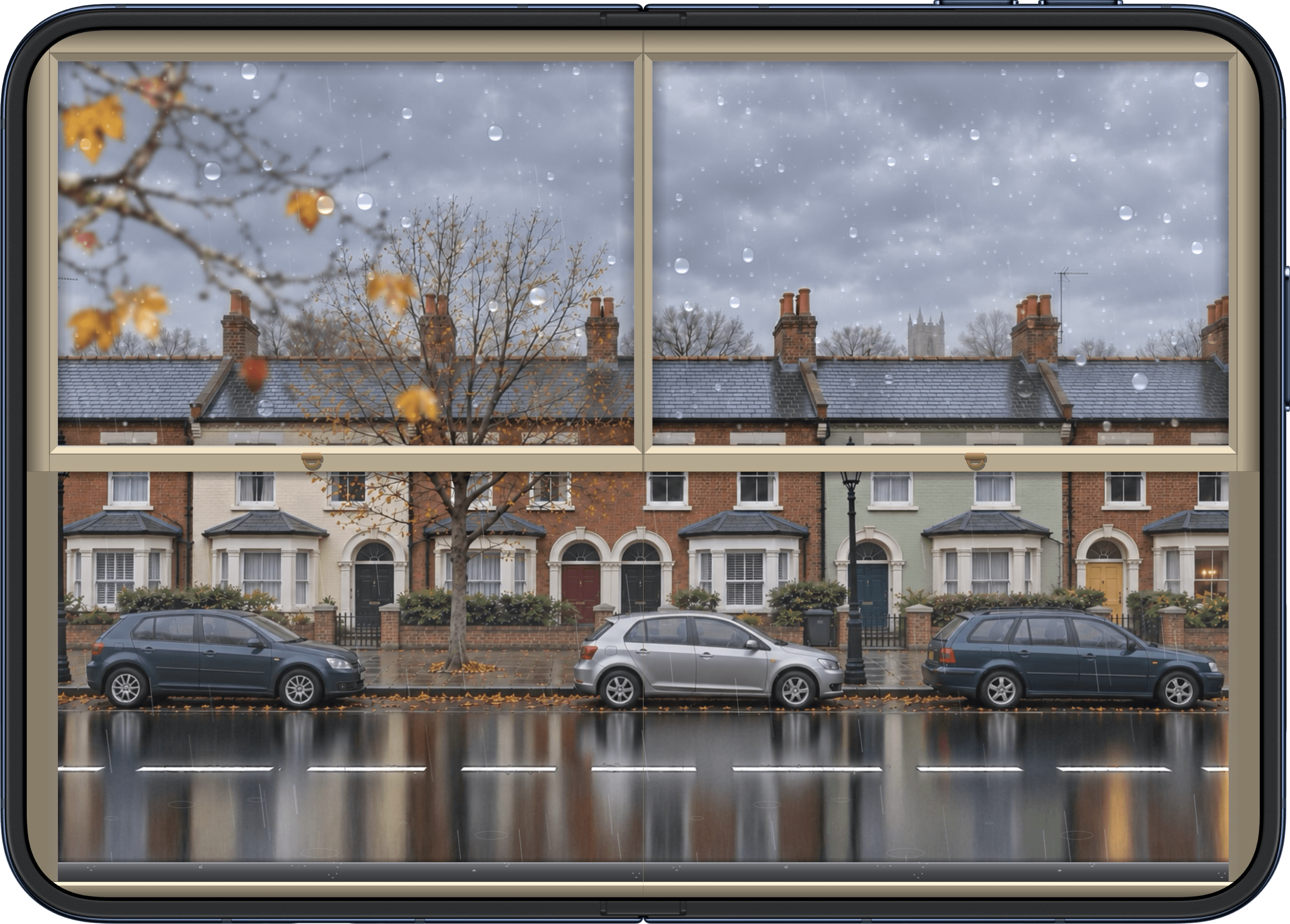
Each of the app’s eight scenes follows a similar pattern but in a different setting. There’s a Japanese garden, a snowy country scene, a train ride, a beachside scene, and more. I love the peaceful landscapes and accompanying soundscapes, but I’d also like more control to do things like drag the windows closed in smaller increments instead of just tapping it to fully open or closed. I’d also like to interact with the items on the desk in front of me. But those are just small refinements. Ajar is an interesting, peaceful app that is free to download on the App Store and has a one-time $4.99 In-App Purchase to unlock all of its windows.
Duopaper
Duopaper is a wallpaper app that takes advantage of the iPhone Duo’s outer and inner screens. When your Duo is closed, the outer screen displays just the center portion of the wallpaper. Unfolding the Duo reveals the full wallpaper, which zooms out onto a bigger panoramic scene. The app is packed with excellent illustrations, often with a folded paper style that fits the app’s design well and adds a little whimsy every time you unfold your Duo.
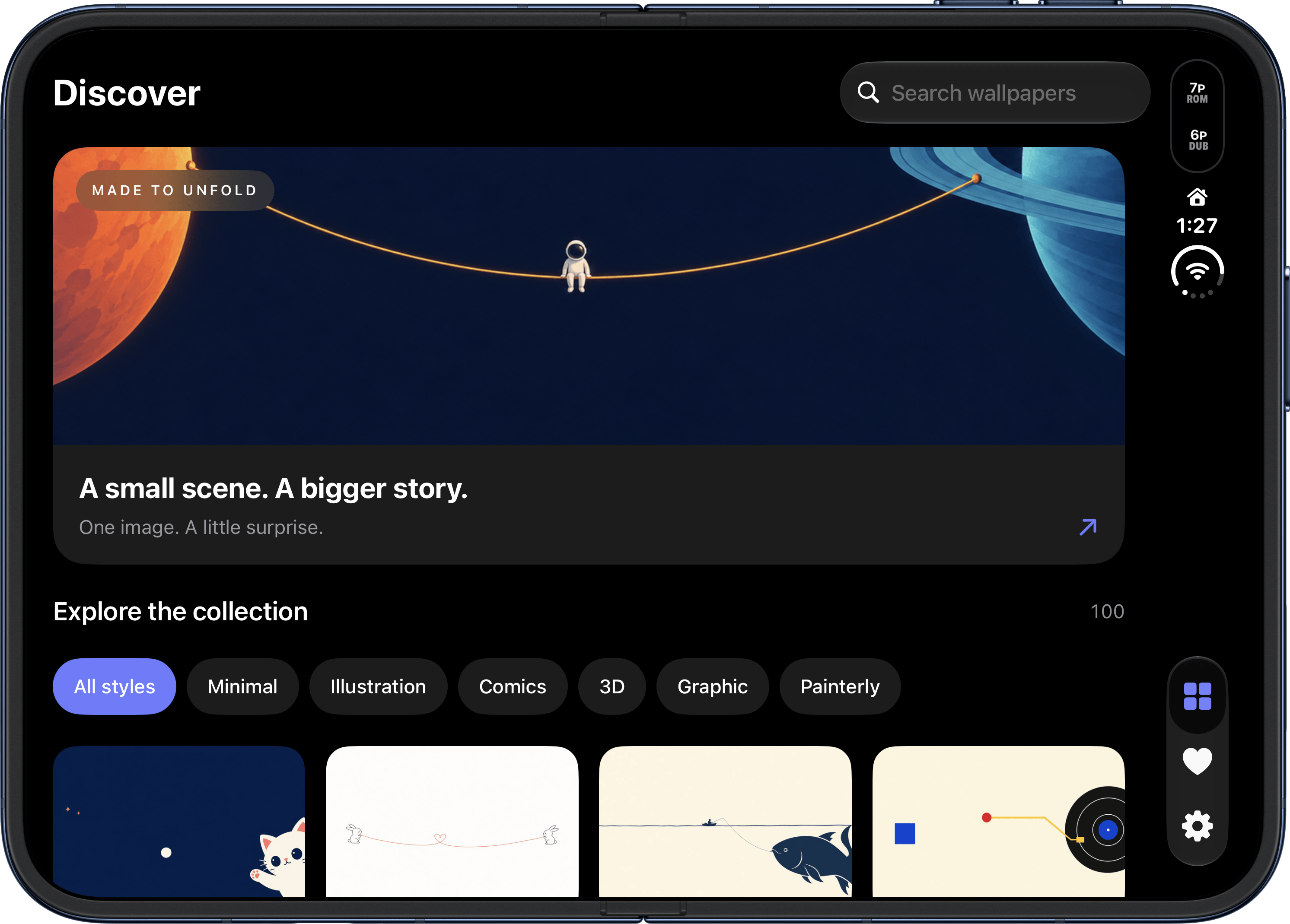
Duopaper is available on the App Store as a one-time purchase of $3.99.
Fold & Squish
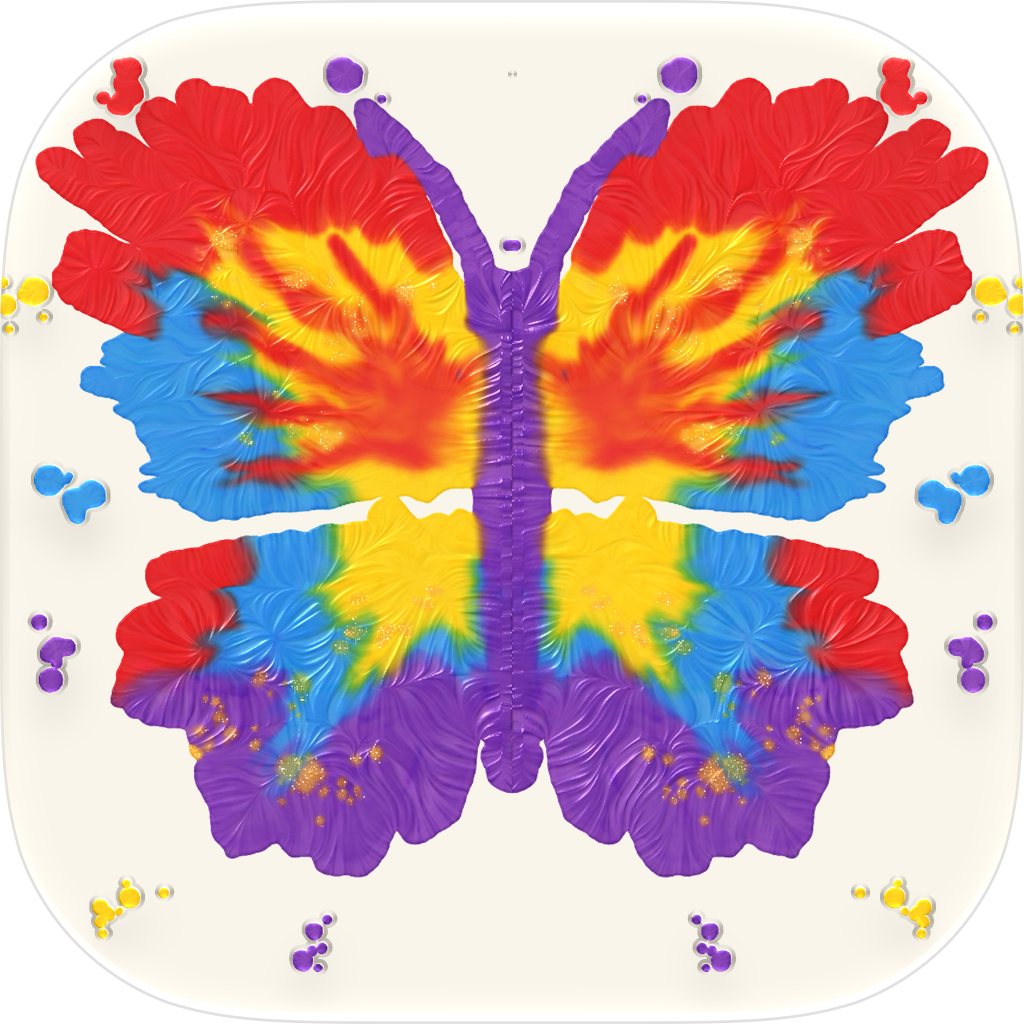
The name of this app says it all. Fold & Squish helps you recapture those days as a little kid in art class when you squirted paint onto a sheet of paper, and then folded it in half to make a symmetrical image. Instead of paper, Fold & Squish asks you to fold your Duo, rub the outer screen, and then reopen it to see your creation. You can create a painting with a blank sheet of paper or follow the app’s guides to create a butterfly, owl, heart, and more. The app has options to delete, save, and share your paintings too. It’s a simple and fun way to create colorful artwork.
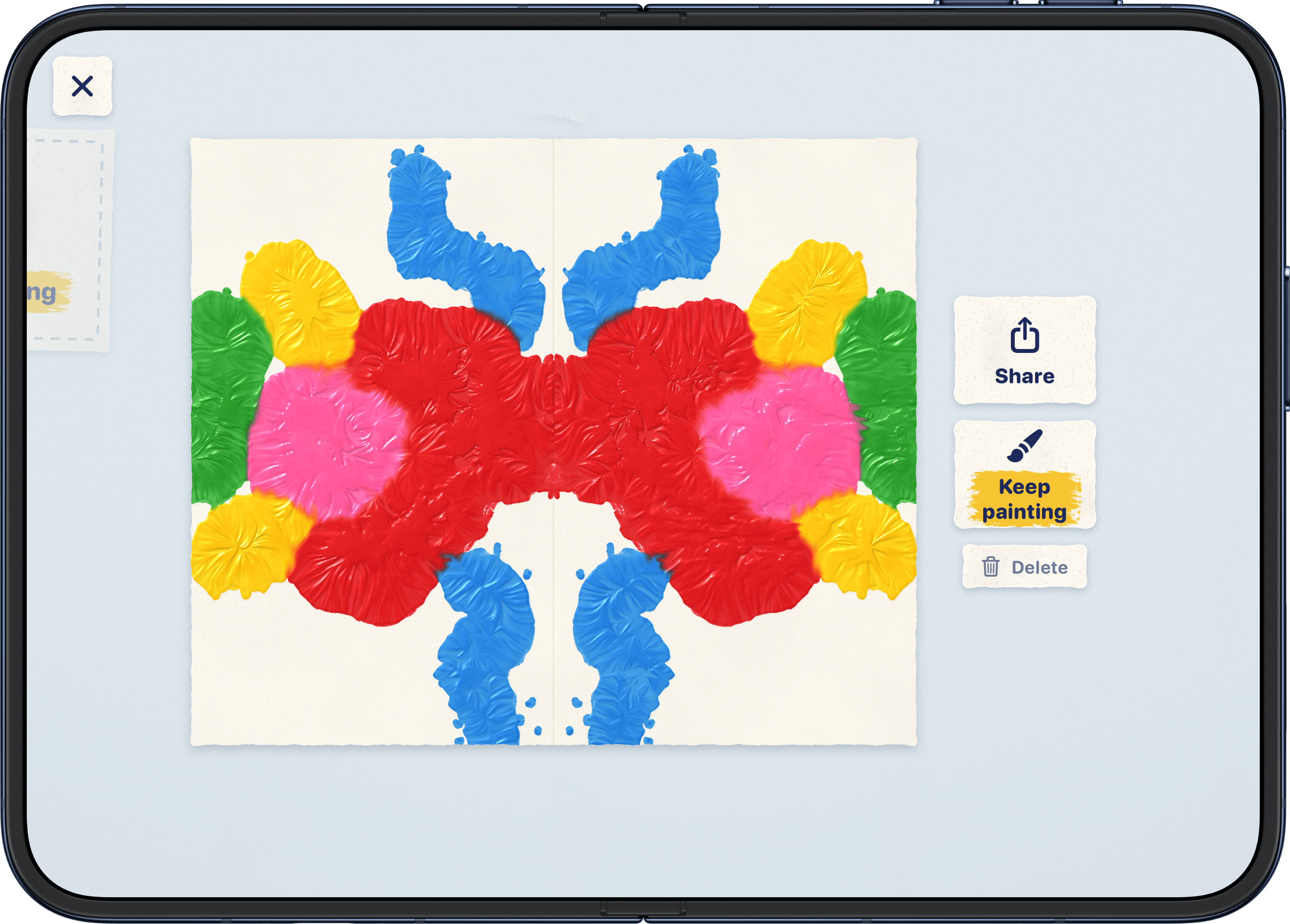
Fold & Squish is available on the App Store as a one-time purchase for $1.99.

Popfold
Popfold is a clever photo app that simulates the effect of a popup book. After you pick a photo, the app pulls out the subject and gives it a sticker-like border. Fold your Duo to the laptop-like pose, and Popfold adds a shadow effect and blurred background to make it look like the subject is popping out of the screen. The way the effect is done makes it very hard to capture in a screenshot, but trust me, it looks cool and is an app that I’m sure would delight kids.
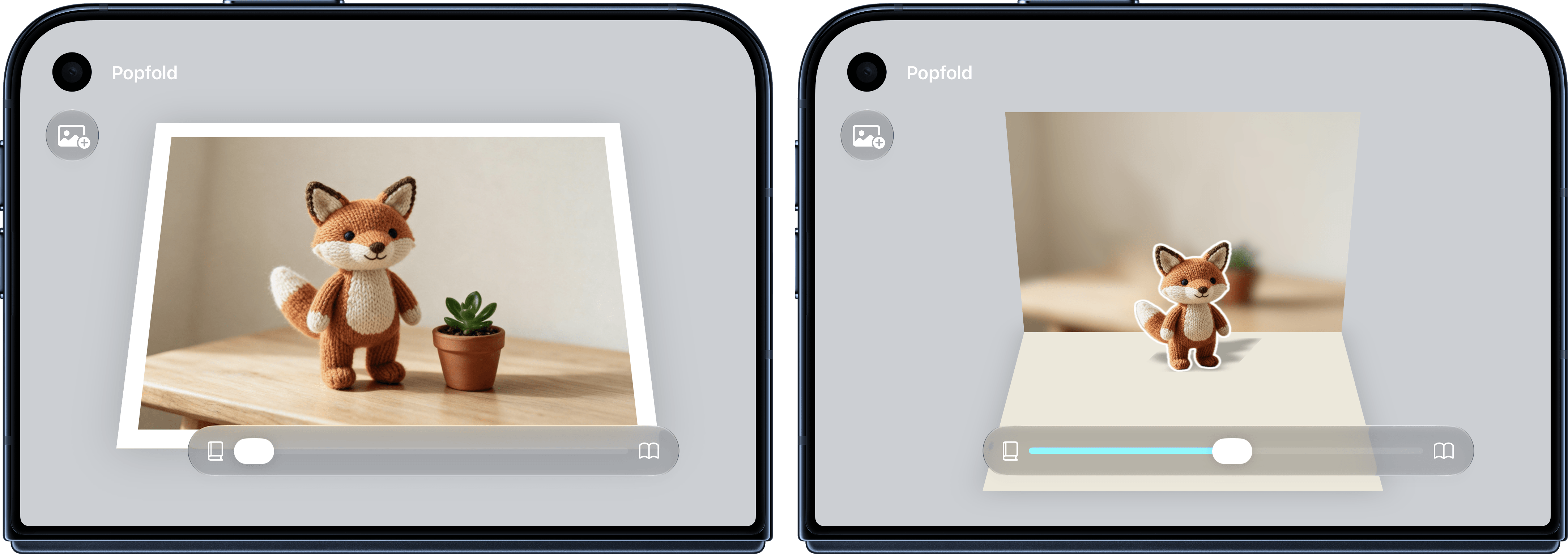
Popfold is available as a free download on the App Store.

